If you’re a regular reader, you know how much I love Legacy Family Tree Webinars. You get a ton of education for your yearly subscription. They’re currently up to 2700+ webinars on a wide variety of genealogical topics.
It’s great to have all of that at your fingertips, but sometimes it can also be a little overwhelming. Where do you start? And once you’ve watched one webinar on a subject, what should you watch next? And as they continue to grow, this problem is only going to get bigger.
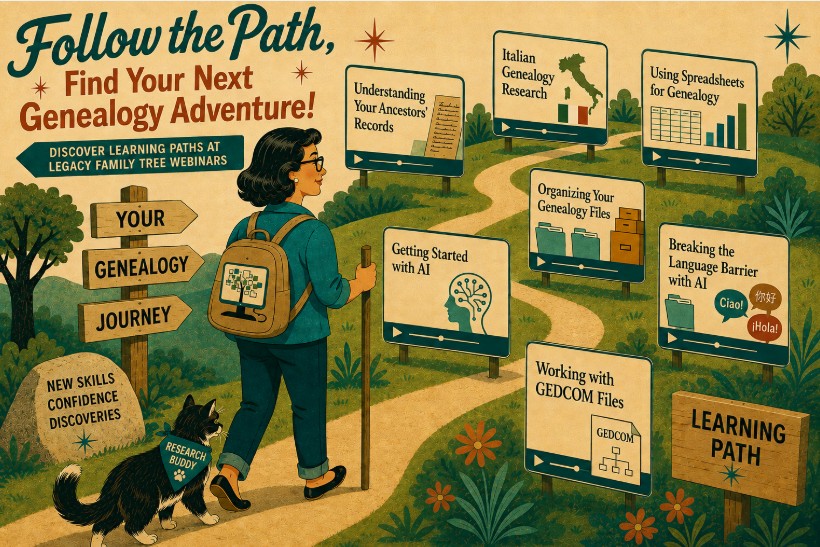
Their solution? Learning Paths. A customizable list of videos that can help you choose what to watch and in what order.
What Is a Learning Path?
A Learning Path is a group of related webinars arranged to help you learn about a subject in a logical order. Instead of searching the webinar library, choosing one presentation and then trying to figure out where to go next, you can follow a series that has already been organized for you.
Each Learning Path contains somewhere between three to six webinars centered around a particular topic, tool or research problem. It’s like walking into a library and saying, “I want to learn about genetic genealogy,” and having a librarian hand you a short stack of books and say, “Start with this one, read this one next, and save this more advanced one until the end.” The webinars (or books in our analogy) were always there. The Learning Path provides the roadmap.
What Kinds of Paths Are Available?
Legacy launched Learning Paths with more than 100 pre-set curated lists, or you can make your own. Any lists that you make can be kept private or shared with others. I created a demo Learning Path named “Spreadsheets for Genealogists with Natalie Webb”, if you’d like to see what that looks like.
To find the pre-made lists, just look for Learning Paths to the right of Speakers on the homepage. You can’t miss it. You’ll be able to browse the lists without logging in, although as always, you’ll need a paid account to go any further.

If none of the lists suit your needs, you can always make your own. I created a list for all of my spreadsheet courses with just a few clicks.
And herein lies my one small quibble with the functionality: the Build Your Own Path feature is a little hard to find on the first try. It’s on the same page as the pre-set lists, but you just have to scroll down to the bottom. I was looking for a button or some direction at the top of the page and it took me a bit to find it. But when you scroll to the bottom, you’ll see:

- Name Your Path – Choose a name that makes sense to you. If you plan on sharing the path with others, then make it descriptive. If it’s only for you, you can call it whatever you like.
- Add Webinars – Once you have a name, it’s time to find webinars to add. The search functionality here works just like the website’s normal search: you can look for a topic, a speaker, a keyword, etc. The search results will be listed below the search box. When you find a webinar you want to add to your list, just click the plus sign. You’ll see the chosen webinars added to a list on the right.
- When you’re done, click the “Create My Learning Path” button. That’s it.

As I mentioned in previous newsletters, DNA is not something I know a lot about, but I want to learn. I’ve already added the pre-made Foundations in DNA to my Learning Paths, and am excited to have a plan to move forward. The paths also function as a “to-do” list for me. My goal is to watch one a week. (along with all the other genealogy I have to do!)
So if you already have a subscription to Legacy Family Tree Webinar, give Learning Paths a try. And if you don’t yet have a subscription, this might be the push you’re looking for!
(note: I am an affiliate for Legacy Family Tree Webinars, and get a small commission for each subscription purchased through my links. One of the first pieces of advice new businesses receive regarding affiliates is to only promote those things that you believe in. It’s my belief that LFTW is one of the best genealogical education bargains out there. Check them out!)