Hi All!
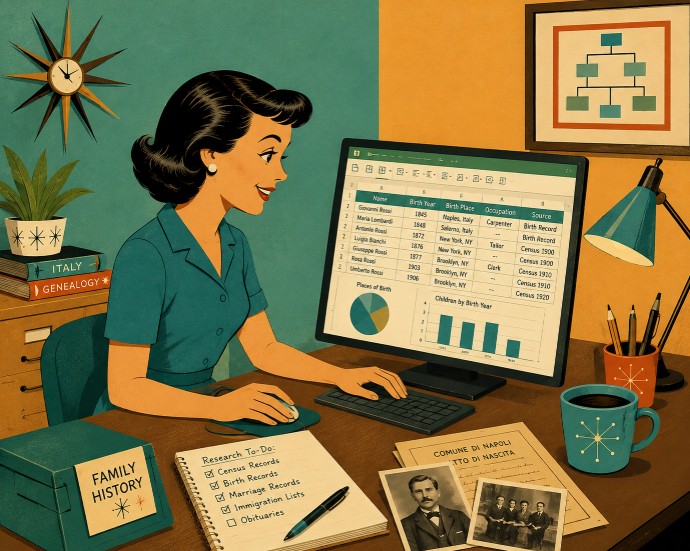
July turned into Spreadsheet month! On the 1st, I presented Spreadsheets for Genealogists as part of Legacy Family Tree Webinar’s (LFTW) live event. It’s turned out to be their 3rd most popular webinar last month, with over 1600 of you watching it.
There were so many questions in that webinar, that I recorded two follow-up short videos for LFTW:
Number Formats in Spreadsheets
Then on July’s free Office Hours webinar, we talked more about using spreadsheets to organize date. I got to show off my Russo Family Matrix. Check out the replay to see how to create it yourself!

Even with all of that, I realized that there were additional important tips that I didn’t get to cover. Two of them that fell off of my syllabus were:
- What is a Tab, a Sheet, a Worksheet and a Workbook, and how do they all fit together. (Hint: some of these are different names for the same thing!)
- How to insert additional rows and columns in the middle of an already existing spreadsheet.
The easiest way to fix this is (of course) another Youtube video! You can check it out here!
I’ve gotten a lot of great questions and feedback this month regarding my impromptu Spreadsheet series. If you’re working with spreadsheets and get stuck on something, please reach out at info@familytreetech.com, or on the contact form for this website. We can try and figure it out together!